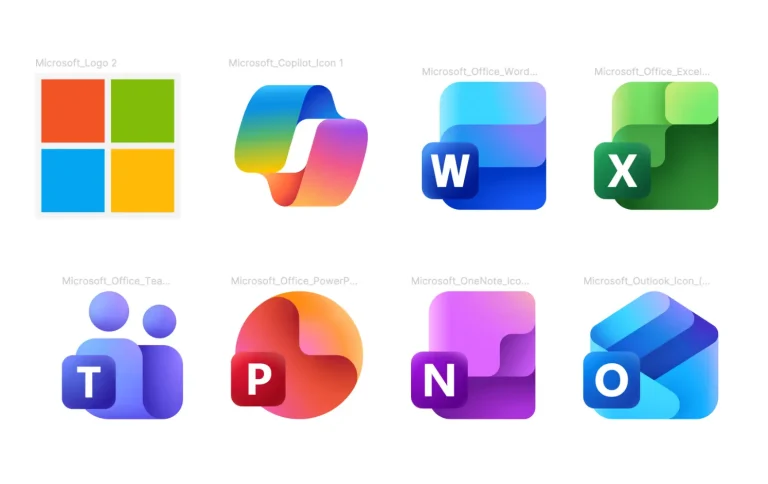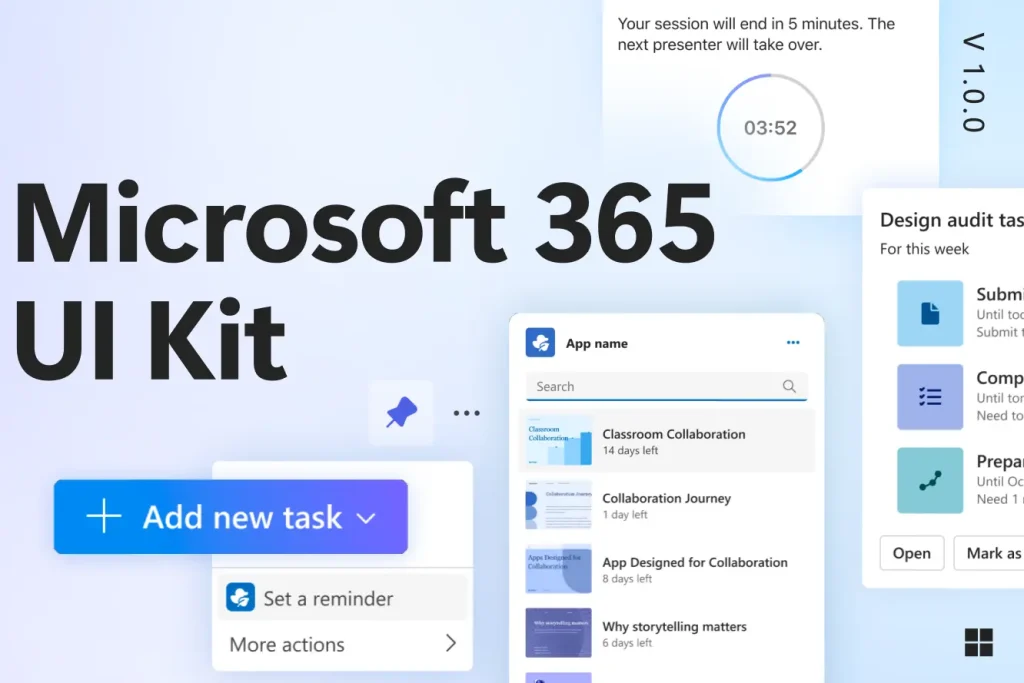
The Microsoft 365 UI Kit for Figma includes core components and scenario-based templates.
It contains UI screens for current web and mobile experiences, plus sample app templates for Microsoft Teams and Outlook.
All layers use Figma variables for theme switching and Auto Layout for responsive sizing.
Key Features
- Ecosystem Guidance: Includes specific rules for building within Teams, Outlook, and the Microsoft 365 app.
- Pre-built Templates: Access sample apps and UI screens that mirror current web and mobile environments.
- Figma Variables: Change themes and layouts instantly using component properties.
- Customization Markers: Visual indicators show exactly which parts of the UI accept modification.
- Submission Checklist: Contains a to-do list for preparing app publication requirements.
- Accessibility Standards: Fundamental design concepts built directly into the core components.
Use Cases
- Enterprise productivity tools for Microsoft Teams.
- Custom Outlook add-ins for email management.
- Cross-platform business applications within the M365 ecosystem.
The Microsoft 365 UI Kit for Figma (Official) was generously created and offered for free by Microsoft - download it now to enhance your next project with a professional-grade asset at no cost.
Unless otherwise specified, you can download and use it free for personal project.
If you encounter a broken or invalid download link on our site, please let us know through our Report Broken Link form.
If you mention it somewhere else, please always link to this page instead of download link.
DISCLAIMER::This free resource is aggregated from the web - we do not claim ownership or hold rights to the design assets. If you find our shared resources infringe upon your copyrights, please let us know via feedback so we can promptly remove them.